
Overview
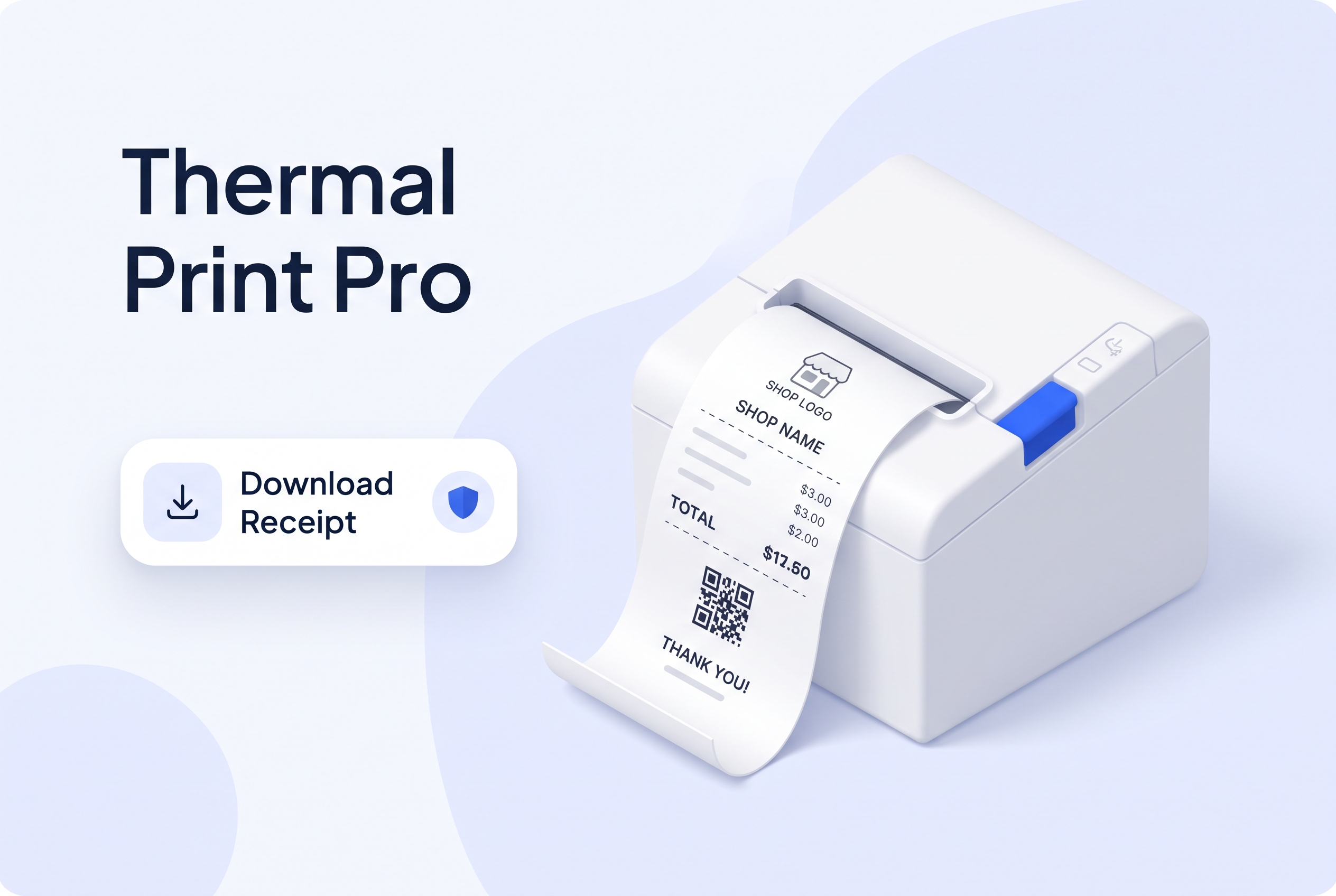
Thermal Print Pro is a WooCommerce receipt plugin I built for shops that hand the customer a small printed slip at the counter or at delivery. It turns any WooCommerce order into a compact 80mm receipt, saved as a PDF, that suits a standard thermal printer. A shop gets a proper receipt without needing a full size A4 invoice.
It works alongside any invoice plugin a store already uses. It does not replace it.
What the plugin includes:
- A clean 80mm receipt layout, with the page height adjusting to the number of items on the order
- Shop name, address, phone number, logo and a custom footer message, all set from one settings screen
- The order number, date and status, then the items, subtotal, discount, fees and total
- The customer name, phone number and payment method
- A QR code that carries the order reference
- A Download Receipt button on the admin order screen, in the My Account orders list and on the View Order page
- The receipt PDF attached automatically to WooCommerce order emails
- Secure download links, so only shop managers and the customer who placed the order can open a receipt
- Compatibility with High Performance Order Storage and the Cart and Checkout blocks
The Challenge
A receipt looks simple, but a thermal printer is strict. The paper is narrow, there is no room for a wide table, and a receipt that is too tall wastes paper or gets cut off. A receipt also holds a customer’s name, phone number and order details, so the download link cannot be something anyone can guess.
Fitting a real order on a narrow roll. I designed the layout around 80mm paper and made the page height grow with the number of items and fees, so a short order stays short and a long order is not cut off.
Keeping receipts private. Every download link carries a security token and the order’s own key. Shop managers can always open a receipt, and a customer can only open their own. Changing the order number in the address does not give access to anyone else’s receipt.
Playing well with the rest of the store. The plugin reads orders only through WooCommerce’s own methods, and it loads its PDF library only when no other plugin has already loaded one, which avoids clashes with other plugins.
What I Did
- Planned the receipt around 80mm thermal paper, with a simple layout that is easy to read
- Built a settings tab under WooCommerce, Settings, Thermal Print for the shop details, logo and footer
- Generated the receipt as a PDF using the Dompdf library
- Added the QR code, the logo and the custom footer message
- Added download buttons for administrators and customers
- Attached the PDF to WooCommerce order emails and cleaned up the temporary file afterwards
- Added order key and security token checks to every download
- Declared compatibility with High Performance Order Storage and the Cart and Checkout blocks
- Added a clear admin notice, instead of an error, when WooCommerce is not active
Thermal Print Pro is released under the GPL. You can download it with the button on this page. Upload it from Plugins, Add New, Upload Plugin, activate it, and then open WooCommerce, Settings, Thermal Print to add your shop details. WooCommerce needs to be active.